External editor
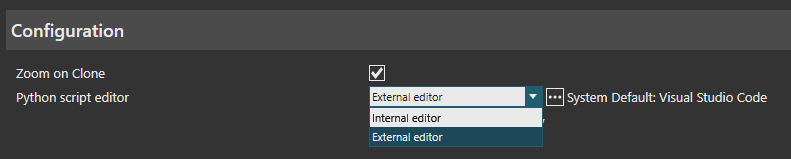
1. Switching to external editor
To switch the editor, go to: FILE → Options → General → Configurations.
2. Visual Studio Code Extension
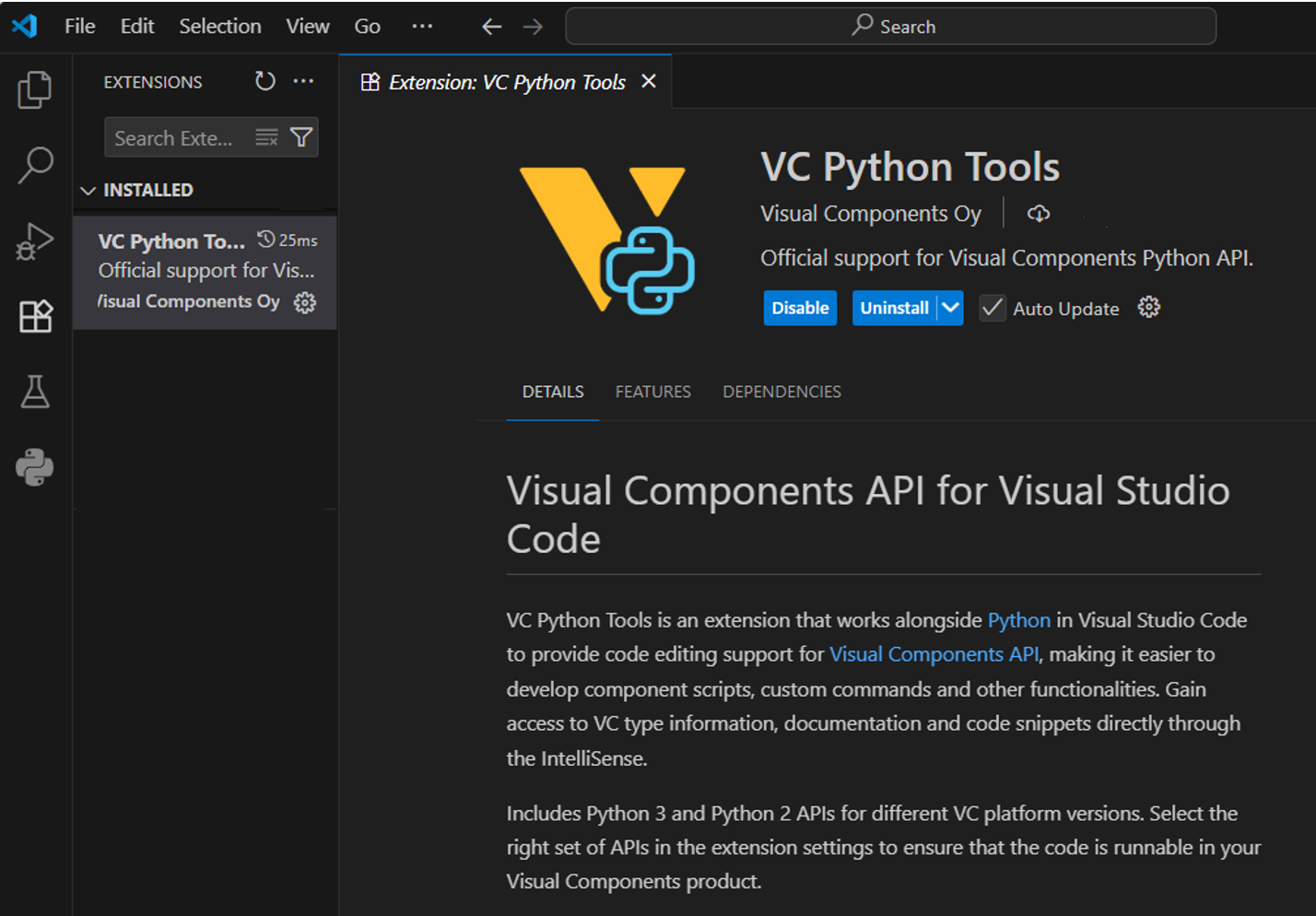
We also offer an extension for Visual Studio Code. To install it:
- Open the Extensions view in VS Code.
- Search for "VC Python Tools".
3. IntelliSense
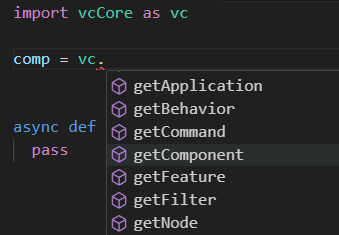
The extension provides autocomplete suggestions to assist with script writing.
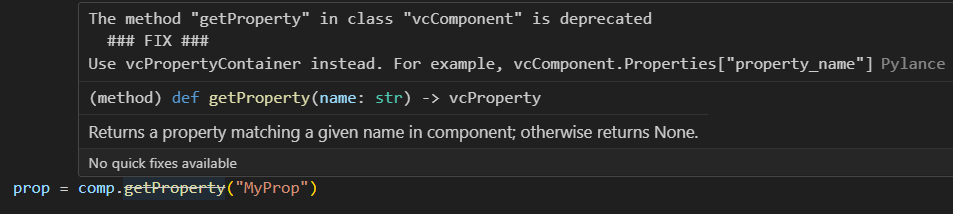
Tooltips display helpful information about functions and parameters.
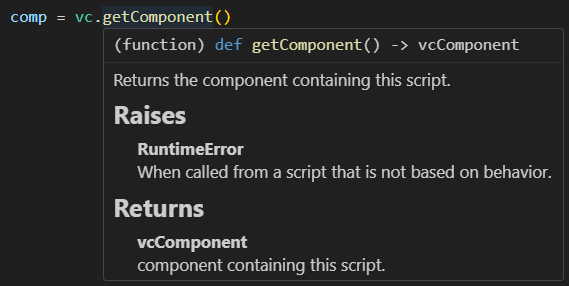
In some cases, IntelliSense may not detect the data type of an object. You can manually specify the type if needed.

4. Python 2 → Python 3 Conversion
The extension can detect Python 2 code and offer conversion tips to help you migrate to Python 3.