Add-on
The Add-on view allows you to view and manage installed add-ons. Add-ons extend the functionality of Visual Components by providing additional tools, integrations, and simulation features.
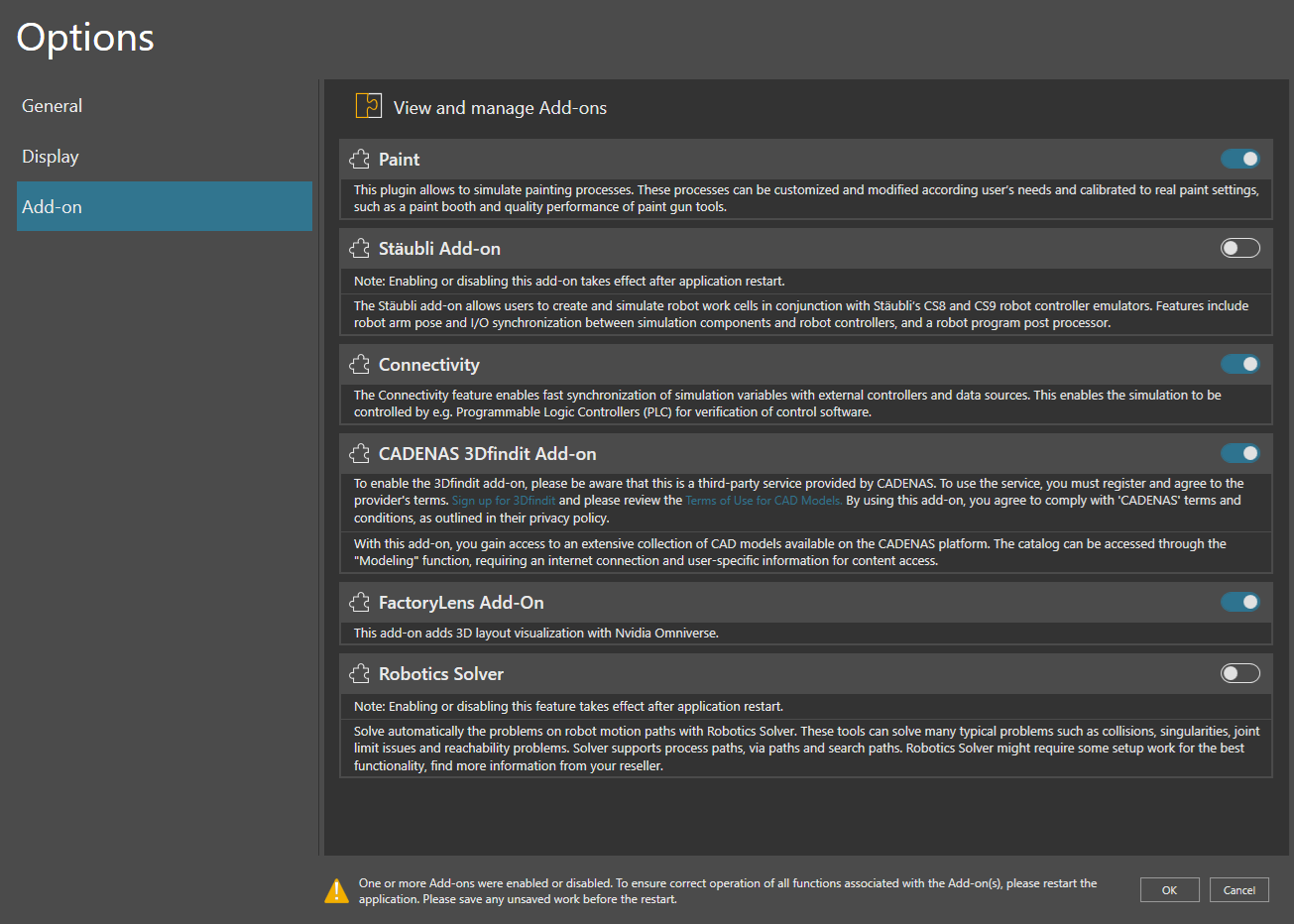
Managing add-ons
The Add-on view displays all available add-ons together with their current status and a description of their functionality.
To enable or disable an add-on:
- Open File > Options > Add-on.
- Locate the add-on you want to modify.
- Use the toggle switch next to the add-on name to enable or disable it.
When an add-on is enabled, its features become available in the application. When disabled, the add-on remains installed but its functionality is unavailable.
Note: Enabling or disabling certain add-ons takes effect only after restarting the application.