Options
The Options view allows you to customize application behavior, user preferences, display settings, and installed add-ons.
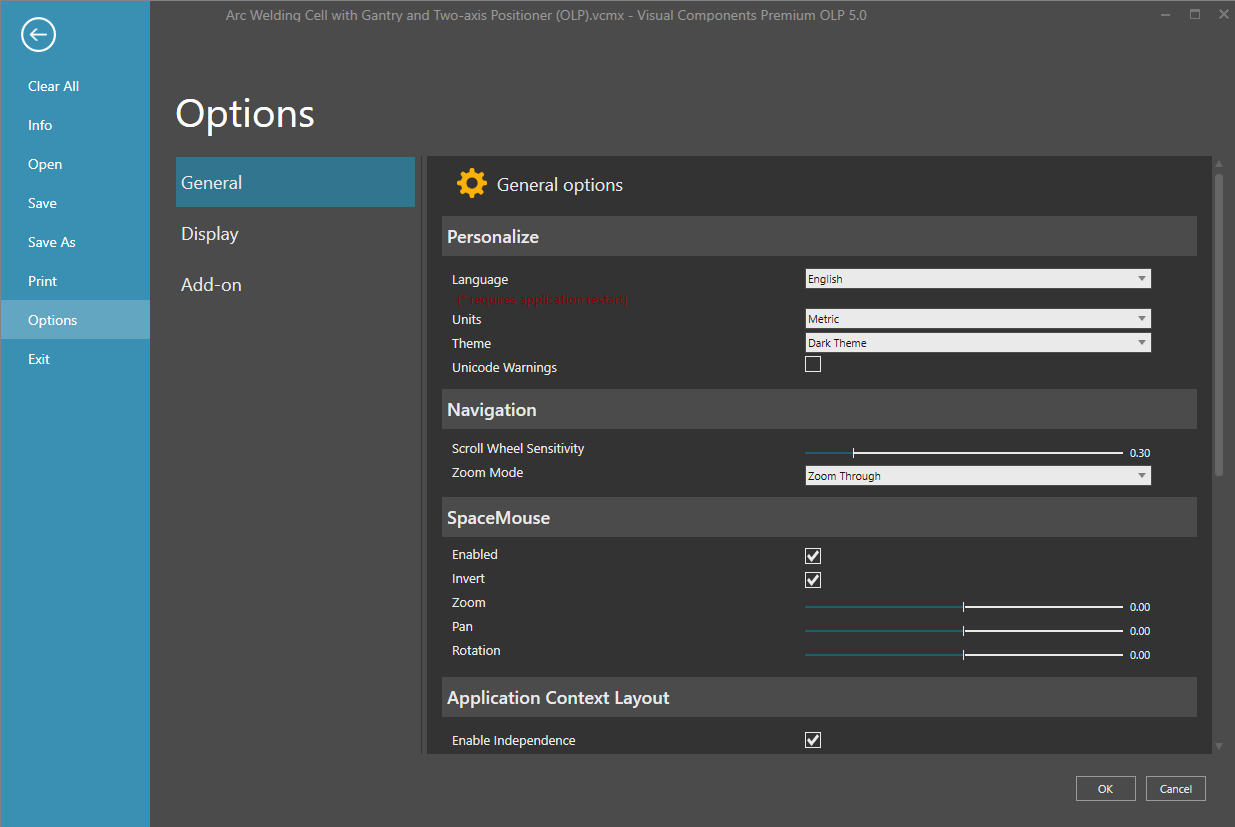
To open the Options view:
- Select File > Options.
- Select one of the available categories from the left pane.
| Category | Description |
| General | Configure application preferences, language settings, navigation behavior, backups, and other general settings. |
| Display | Configure 3D view settings, annotation precision, drawing quality, and graphics performance options. |
| Add-on | View and manage installed add-ons and enable or disable additional application functionality. |